Gggggg
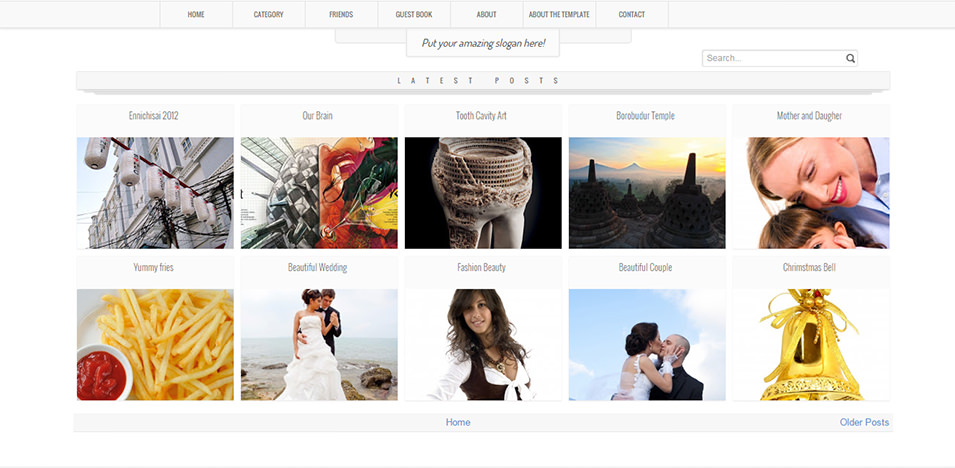
Instructions
- Log in to your Blogspot dashboard.
- Navigate to Theme > Edit HTML.
- Copy the XML from the <xaiArtifact> content above (excluding the artifact tags).
- Paste it into the Blogspot editor, replacing the existing code.
- Save and preview the template.
- Adjust variables (e.g., colors) via the Blogspot template designer if needed.
Notes
- Obfuscated Script: The original’s obfuscated JavaScript (Lazy loading) is included as-is. It may rely on external libraries (e.g., jQuery). If it fails to load, ensure jQuery is included via a CDN (e.g., <script src="https://code.jquery.com/jquery-3.6.0.min.js"></script> before the script) or let me know to provide an alternative.
- Dependencies: The template uses Font Awesome 5.8.2 via CDN. Ensure internet connectivity when testing, as Blogspot may not cache external resources.
- Testing: Verify the template in Blogspot’s editor. If additional errors occur (e.g., missing dependencies), report them, and I’ll assist.
- Size: The template is large but matches the original’s scope. If Blogspot imposes size limits, let me know, and I can streamline non-essential parts.
Close